











 +9
+9 V-Ray 5 for Maya helps Artist to create CGI realistic Character to the new level


V-Ray 5 for Maya helps Artist to create CGI realistic Character to the new level
V-Ray 5 for Maya helps Artist to create CGI realistic Character to the new level
V-Ray 5 for Maya helps Artist to create CGI realistic Character to the new level
V-Ray 5 for Maya helps Artist to create CGI realistic Character to the new level
V-Ray 5 for Maya helps Artist to create CGI realistic Character to the new level
V-Ray 5 for Maya helps Artist to create CGI realistic Character to the new level
V-Ray 5 for Maya helps Artist to create CGI realistic Character to the new level
V-Ray 5 for Maya helps Artist to create CGI realistic Character to the new level
V-Ray 5 for Maya helps Artist to create CGI realistic Character to the new level
V-Ray 5 for Maya helps Artist to create CGI realistic Character to the new level
V-Ray 5 for Maya helps Artist to create CGI realistic Character to the new level
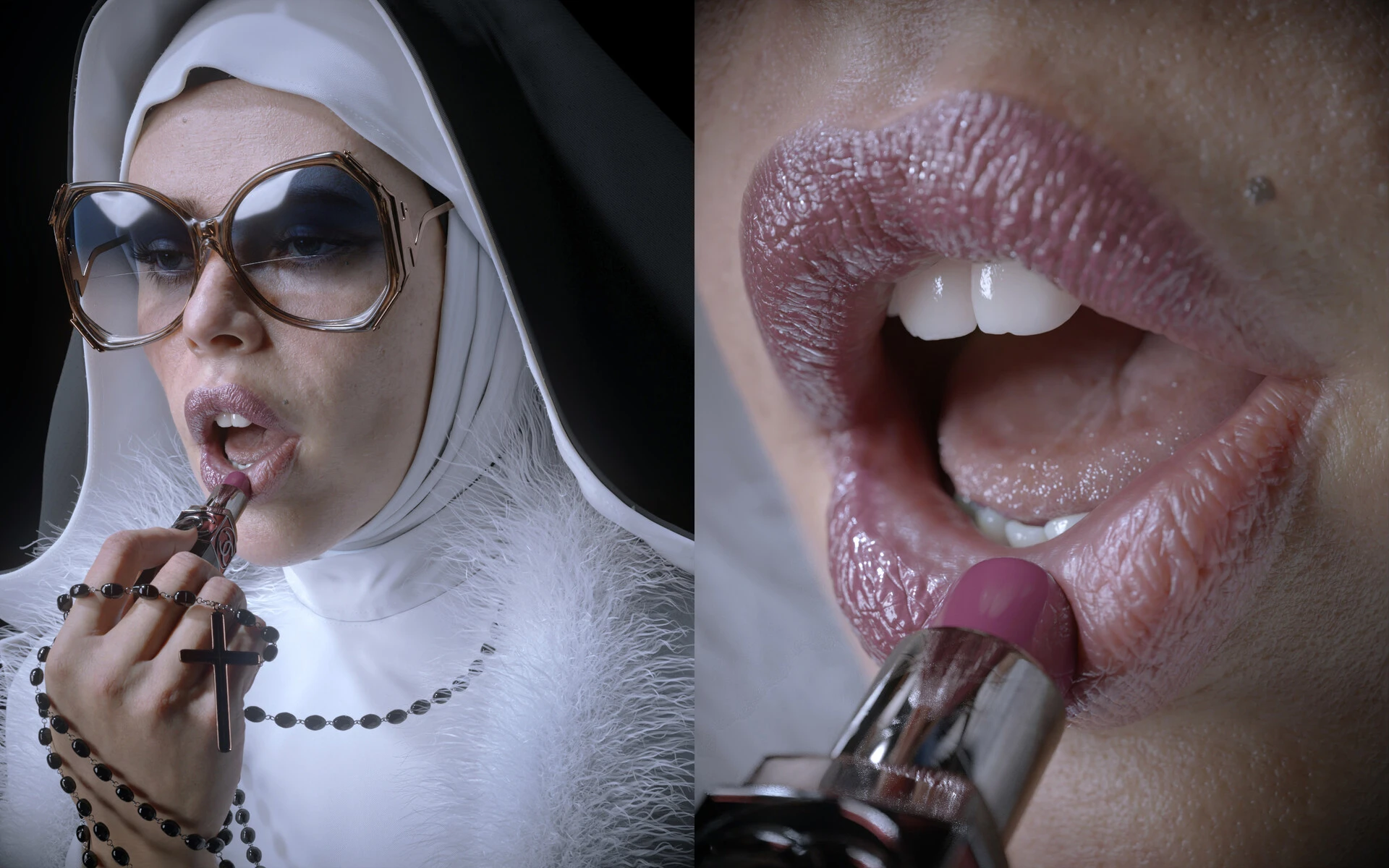
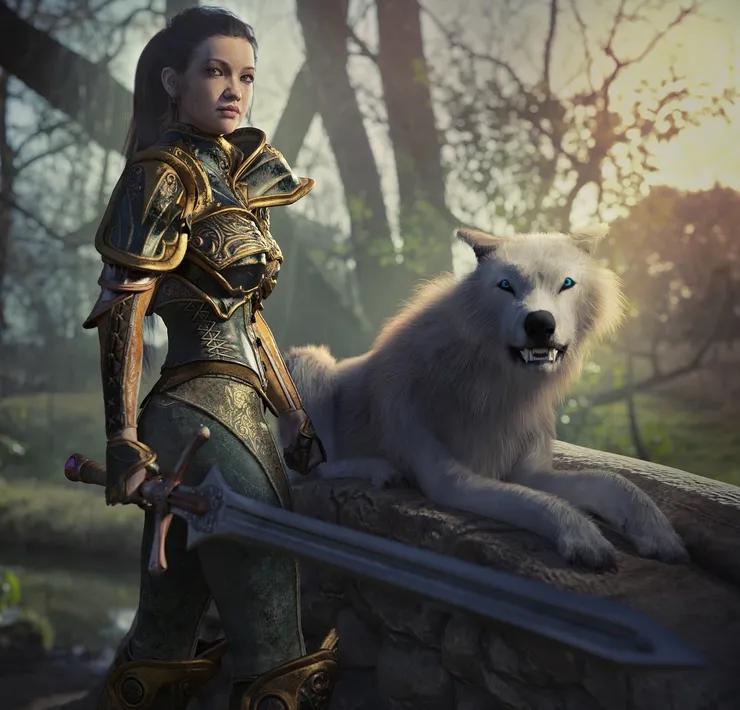
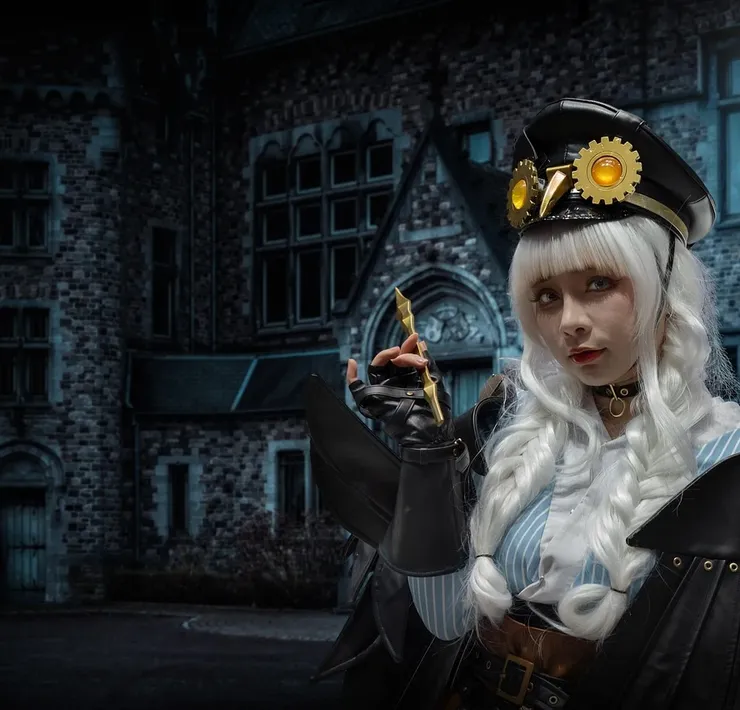
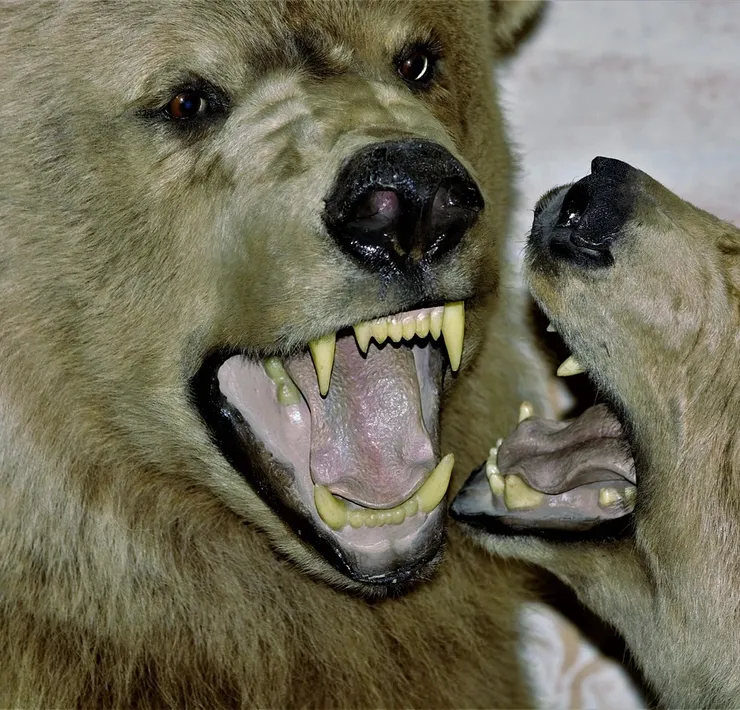
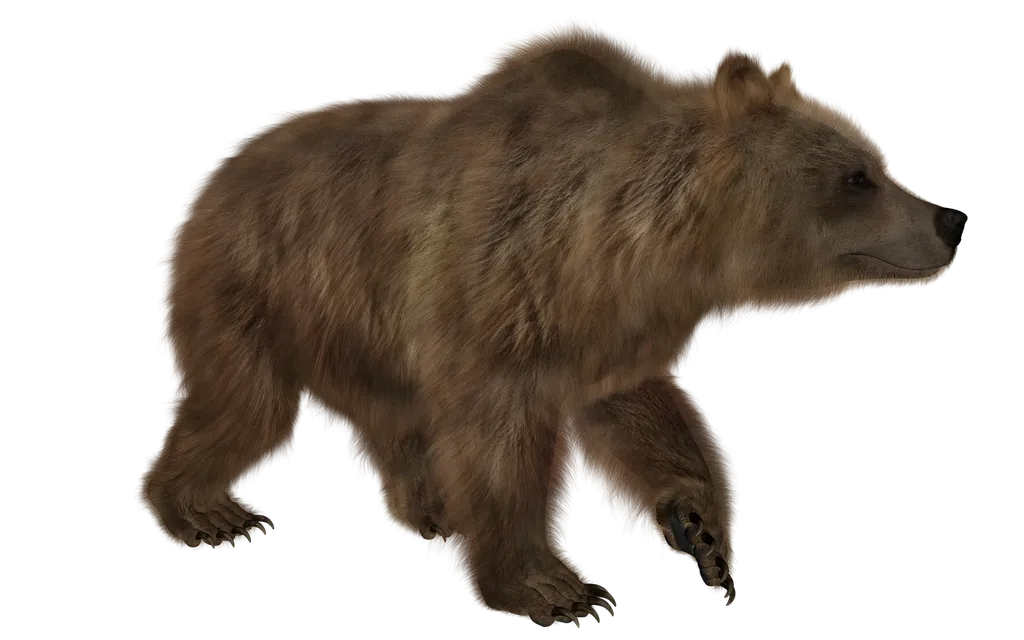
Andrey Bogomolov – CG Artist based in Moscow, Russia has recently created a CGI Character and the results is amazing. Explain with CG Record Team he said model and textures are handmade, without scans. And he used V-Ray 5.0 for Maya Renders without post work. Other main tools are: Zbrush, Autodeks Maya and grooming using Xgen. It took Andrey a month and a half, in his spare time.
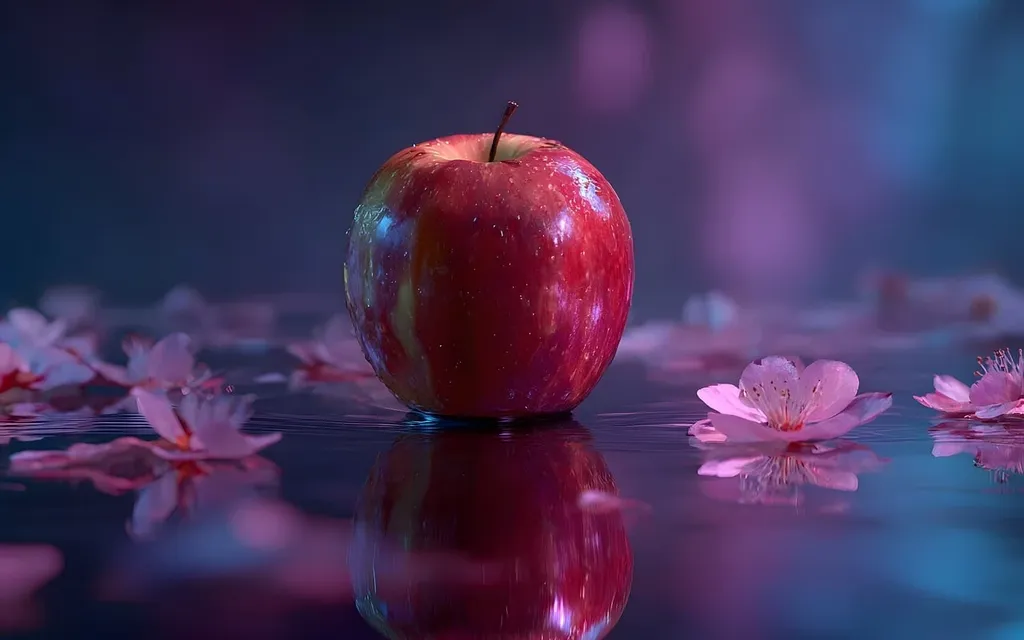
It definitely should be a separate topic about that render. All that image is about V-Ray+Zbrush duet song. I like that render a lot. It is super fast, super easy to use and so friendly. For the skin shading I took vrayAlshader, for the eyes – vraySSS2. That combo gave me the best results for my personal taste.
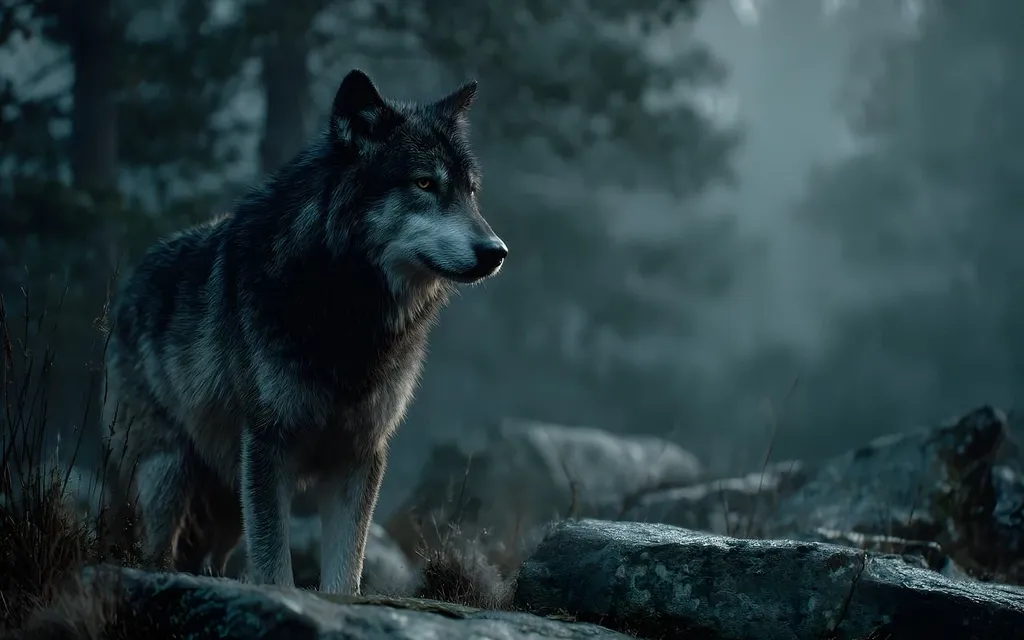
It’s very handy to use composing stuff right on the render stage. It made me feel like I’m using 3d photoshop. So, I did some color correction, white balance, exposure on the layers when the images were rendering. Amazing 🙂
V-Ray 5 for Maya beta was released with redesigned V-Ray Frame Buffer with tools for light mixing and compositing built in, an all-new V-Ray Proxy node to boost viewport and render speed, and Light Path Expressions to output any lighting information into its own render element. You can try it here!